How to Delete Your Duetto Account
If you wish to permanently delete your Duetto account:
- 1Open the Duetto app.
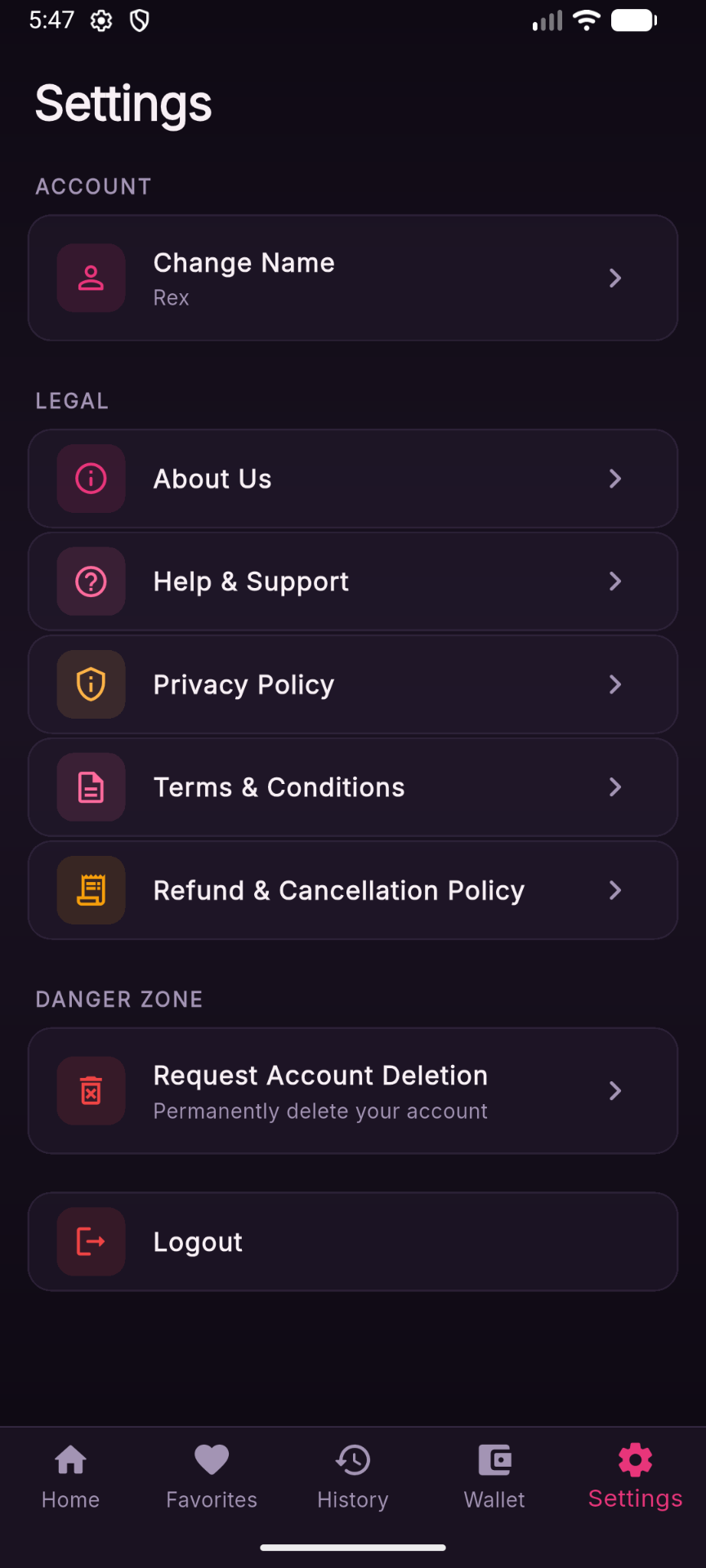
- 2Go to Settings.
- 3Tap Request Account Deletion.
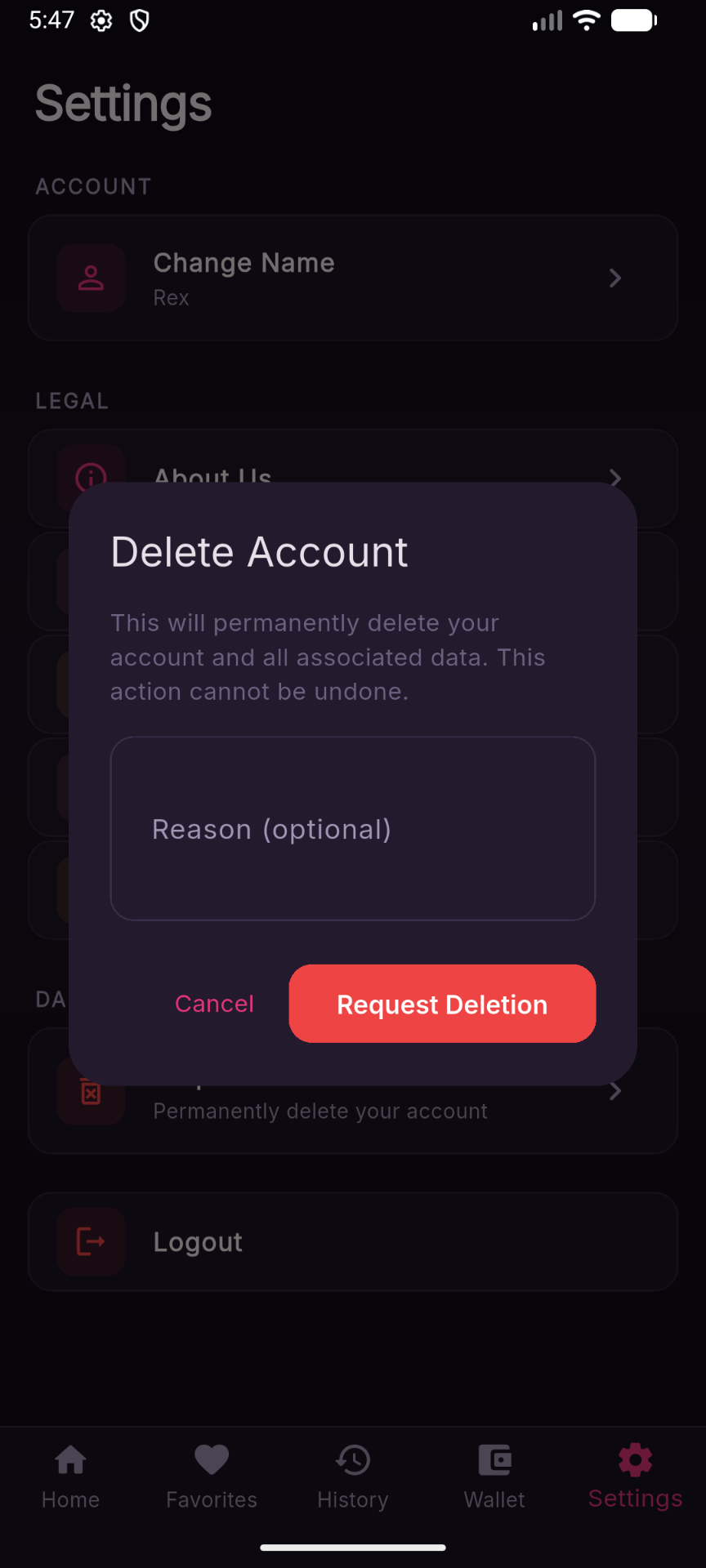
- 4Optionally enter a reason for account deletion.
- 5Tap Request Deletion to submit your request.
Once your deletion request is processed, your account and associated data will be permanently removed in accordance with our privacy policy and applicable regulations.
Path: Settings → Request Account Deletion → (Optional) Enter Reason → Request Deletion